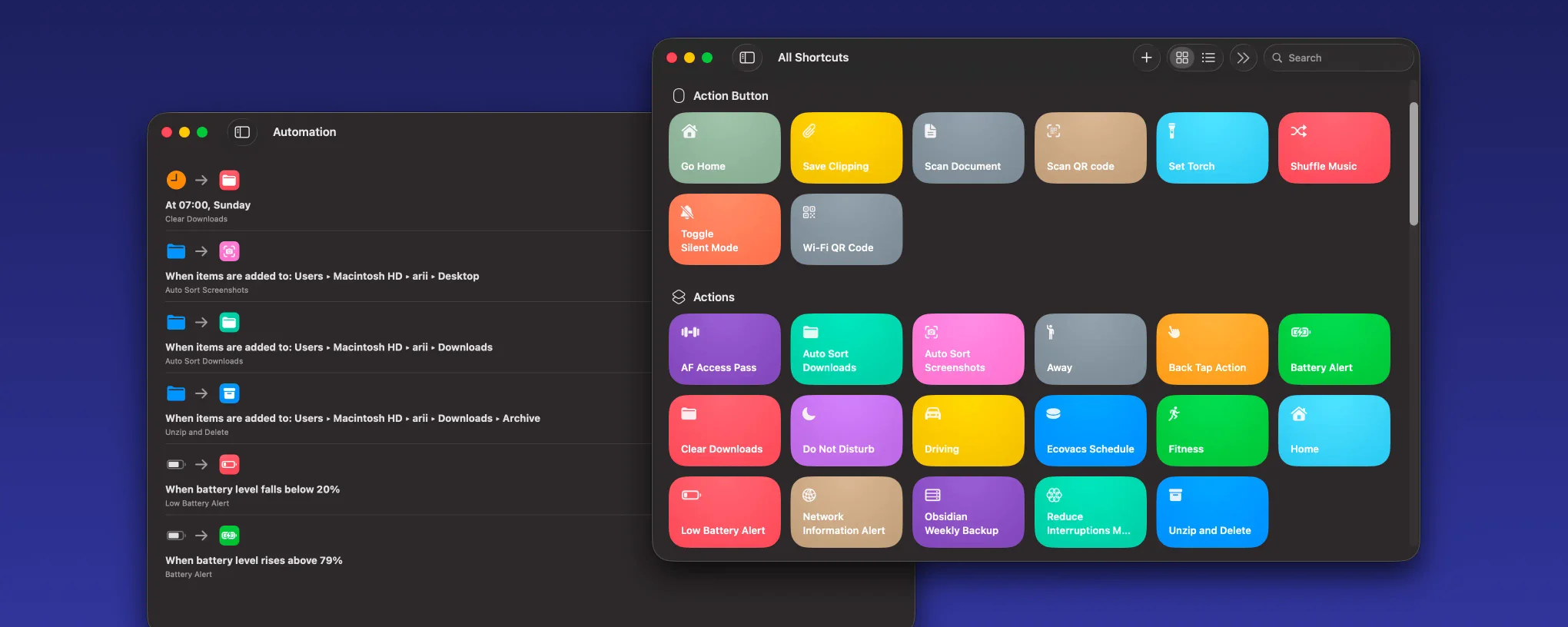
Auto Sort Downloads Folder: macOS Shortcut
A macOS Shortcut that automatically organises downloads into categorised subfolders by file type and content using ChatGPT
A macOS Shortcut that keeps the Downloads folder organised by automatically sorting files into categorised subfolders using their extension, and falling back to file content analysis to classify anything ambiguous.
Categories
I use six main categories to keep things simple and intuitive, but you can easily modify the shortcut to add more or change them as you like:
~/Downloads/
├── Audio/
├── Archive/
├── Code/
├── Docs/
├── Images/
└── Videos/
How it works
The shortcut takes the contents of ~/Downloads as input, filters out the destination folders and any .download files still in progress, then passes each remaining file to a ChatGPT model for classification.
The prompt instructs the model to return exactly one category name based on the file’s extension, falling back to content analysis only when the extension is missing or unknown:
Analyse the provided file using its filename and file extension.
Only use file content if the extension is missing or unknown.

Classify the file into exactly one of the following categories:

Audio
Images
Videos
Archive
Docs
Code

Mandatory Rules:

1. File extension has absolute priority. If the extension matches a rule below, ignore file content completely.

2. Use these exact extension mappings:

Audio:
.mp3, .wav, .m4a, .aac, .flac, .ogg

Images:
.jpg, .jpeg, .png, .heic, .gif, .webp, .svg

Videos:
.mp4, .mov, .mkv, .avi, .webm

Archives:
.zip, .rar, .7z, .tar, .gz, .bz2

Docs:
.pdf, .doc, .docx, .xls, .xlsx, .ppt, .pptx, .txt, .rtf, .csv

Code:
.js, .ts, .py, .java, .kt, .cpp, .c, .cs, .html, .css, .json, .xml, .yml, .yaml, .swift, .go, .rs, .php, .rb, .sh, .woff2

Conflict Handling Rules:

- A .pdf is ALWAYS Docs.
- A .mp3 is ALWAYS Audio.
- A .zip is ALWAYS Archive, even if it contains other file types.
- If extension is unknown, then classify based on content.

Output Rules:

- Output exactly one category name.
- Output must match the category text exactly.
- Do not explain.
- Do not add punctuation.
- Do not add extra words.
Once ChatGPT returns the category, a simple if statement moves the file into the matching subfolder. The Downloads folder stays clean and everything is exactly where you would expect it.
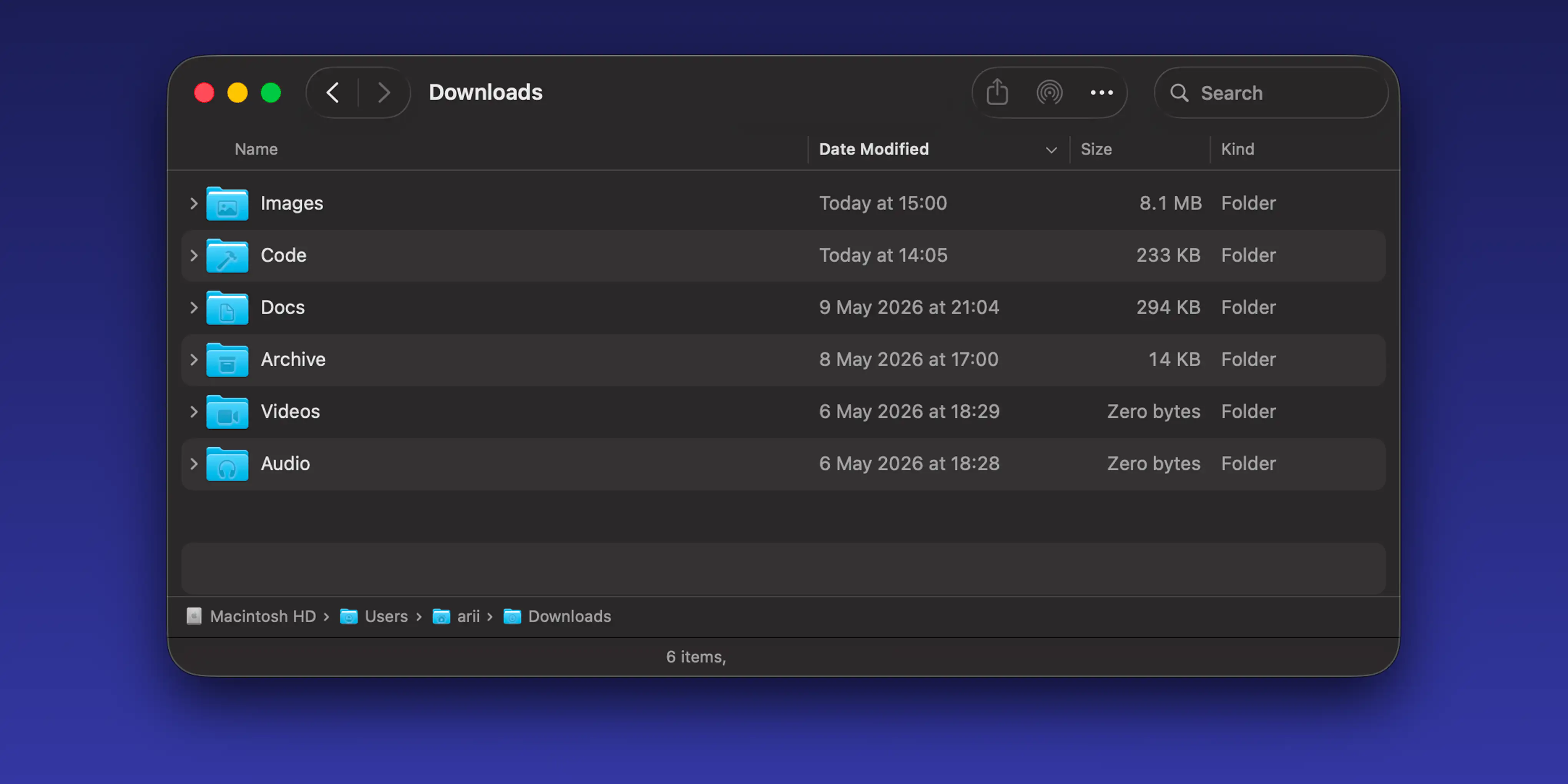
sorting by date modified keeps the most recent downloads at the top
Automation setup
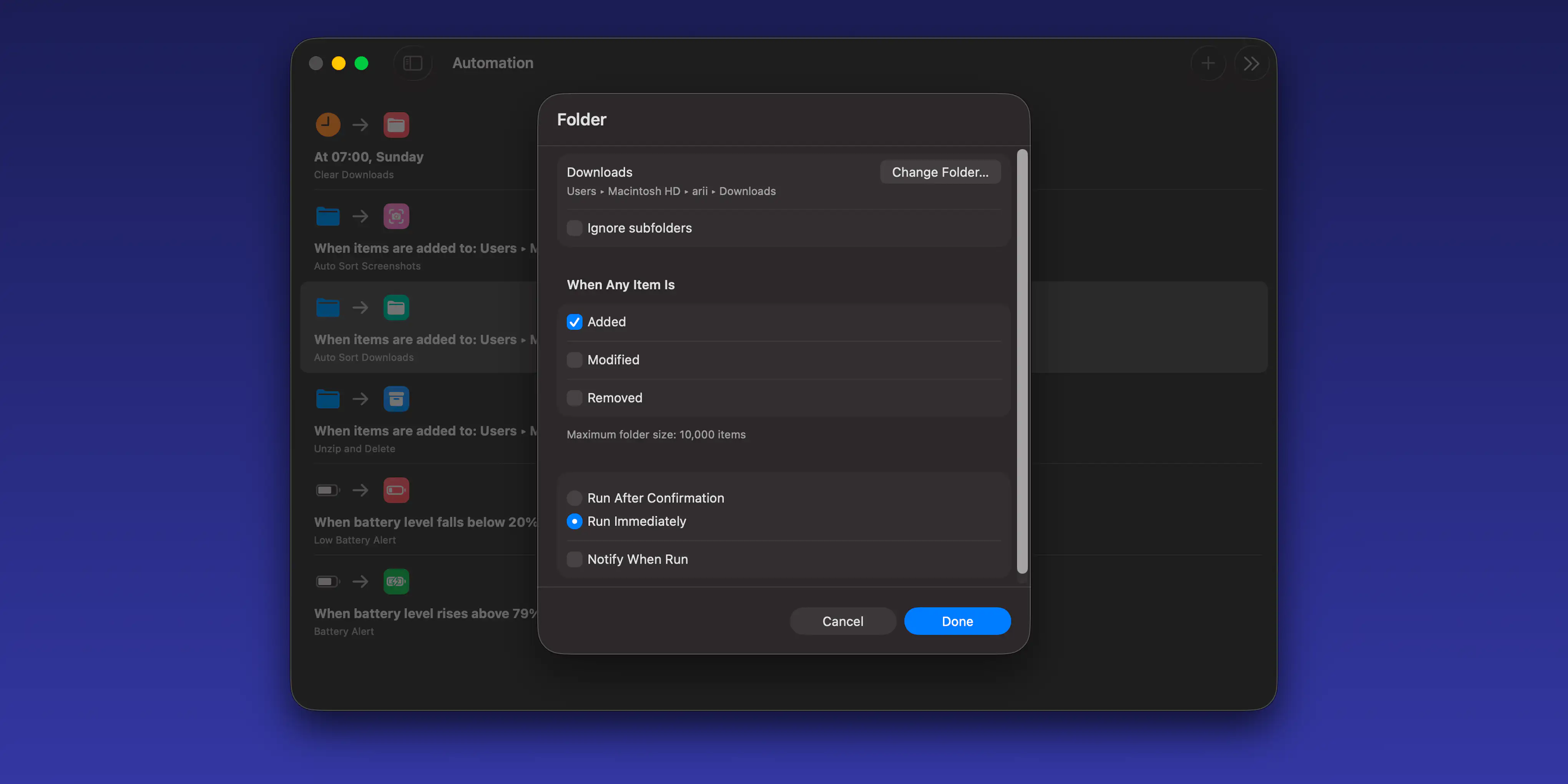
automation setup for the auto sort downloads shortcut
The shortcut works best paired with an automation that triggers it whenever a new file lands in Downloads, no manual runs needed.
To set it up: download the shortcut, then create a new automation in the Shortcuts app triggered by a file being added to the Downloads folder. Set the action to run the downloaded shortcut.