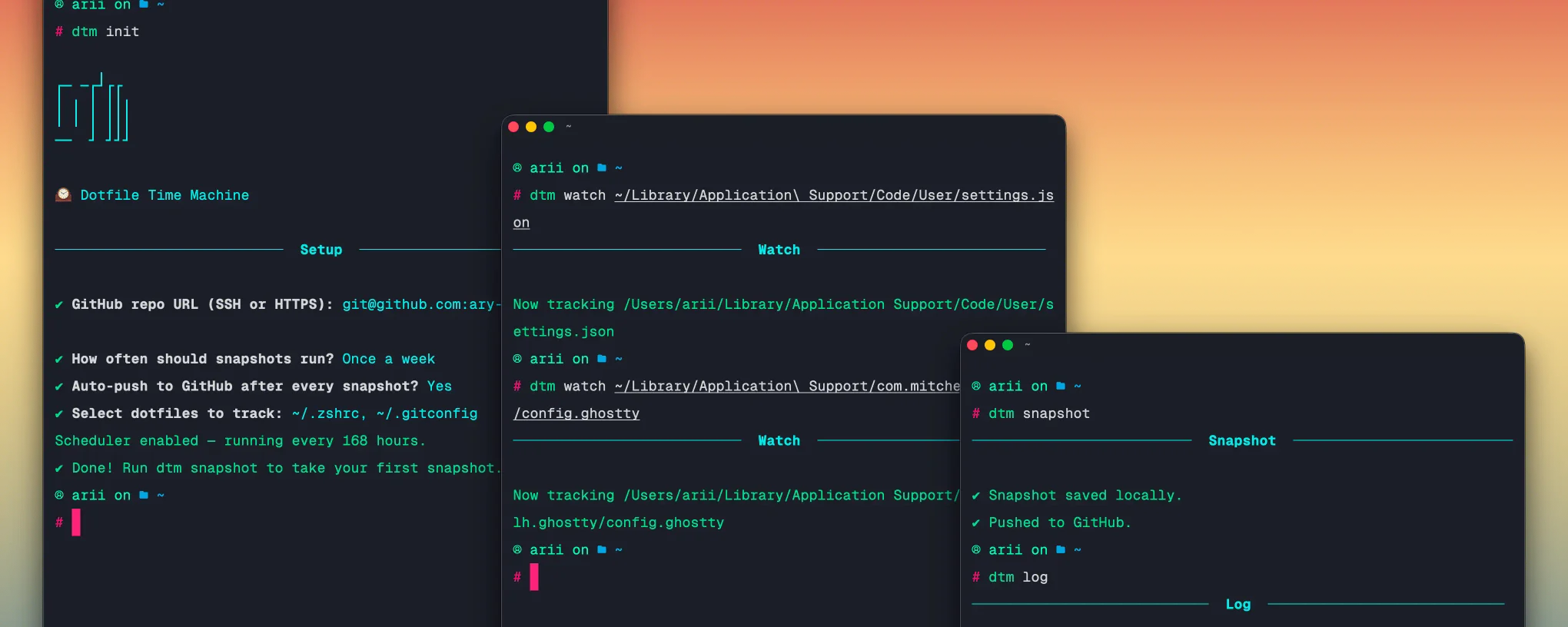
dtm: dotfile time machine
A lightweight CLI that automatically snapshots your config files and pushes them to a private GitHub repo on a schedule.
I built dtm because I kept tweaking my .zshrc, breaking something weeks later, and having no idea what I changed. I wanted something that quietly backs up my config files to GitHub on a schedule, makes it easy to see what changed over time, and lets me roll back any file to any point, without me having to think about it.
key features
- Automatically snapshots tracked dotfiles on a configurable schedule
- Pushes every snapshot to a private GitHub repo via SSH or HTTPS
- Roll back any file to any previous snapshot with a single command
- See exactly what changed between snapshots with
dtm diff - Scheduling handled by macOS launchd, no persistent background process
- Stores config in
~/.config/dtm/and snapshots in~/.dtm/
tech stack
# core
typescript | node.js | simple-git | execa | @inquirer/prompts | chalk | ora | commander
how it works
The tool is built around a single core idea: ~/.dtm/ is just a git repository. Every snapshot is a commit, which means diffing, logging, and restoring are all just git operations under the hood.
init.ts handles first-time setup, it creates ~/.dtm/, writes a .gitignore and README.md into the snapshot repo, initialises git, sets the GitHub remote, saves config to ~/.config/dtm/config.json, and registers a launchd scheduler in one pass.
snapshot.ts is the core command. It loops through all tracked files, copies the current version of each into ~/.dtm/, commits with a timestamp, and pushes to GitHub. If nothing has changed since the last snapshot it exits cleanly with no commit.
git.ts wraps simple-git for local operations and uses execa to call git directly for pushes. This separation exists because simple-git handles status, diff, log, and show reliably, but direct execa calls proved more reliable for SSH push operations in background scheduler contexts.
schedule.ts writes a launchd .plist file to ~/Library/LaunchAgents/ and loads it via launchctl. This means the scheduler survives reboots and runs without any persistent process, it wakes up, runs dtm snapshot, and goes back to sleep.
restore.ts uses git show HEAD~N:filename to retrieve the file contents at a given snapshot, previews it in the terminal, asks for confirmation, then writes it back to the original path.
usage
# install globally
npm install -g @ariian/dtm

# run setup once
dtm init
You’ll be prompted for:
? GitHub repo URL (SSH or HTTPS): git@github.com:you/dotfiles-backup.git
? How often should snapshots run? Once a day
? Auto-push to GitHub after every snapshot? Yes
? Select dotfiles to track: ~/.zshrc, ~/.gitconfig
Then take your first snapshot:
dtm snapshot
# ✔ Snapshot saved locally.
# ✔ Pushed to GitHub.
Track more files anytime:
dtm watch ~/.npmrc
dtm watch "~/Library/Application Support/Code/User/settings.json"
See what changed:
dtm diff
dtm diff .zshrc
Roll back a file:
dtm restore .zshrc -n 3
# 📄 .zshrc from 3 snapshot(s) ago:
# ──────────────────────────────────────────────────
# ... file contents ...
# ──────────────────────────────────────────────────
# ? Restore .zshrc to this version? Yes
# ✔ .zshrc restored successfully.
highlights
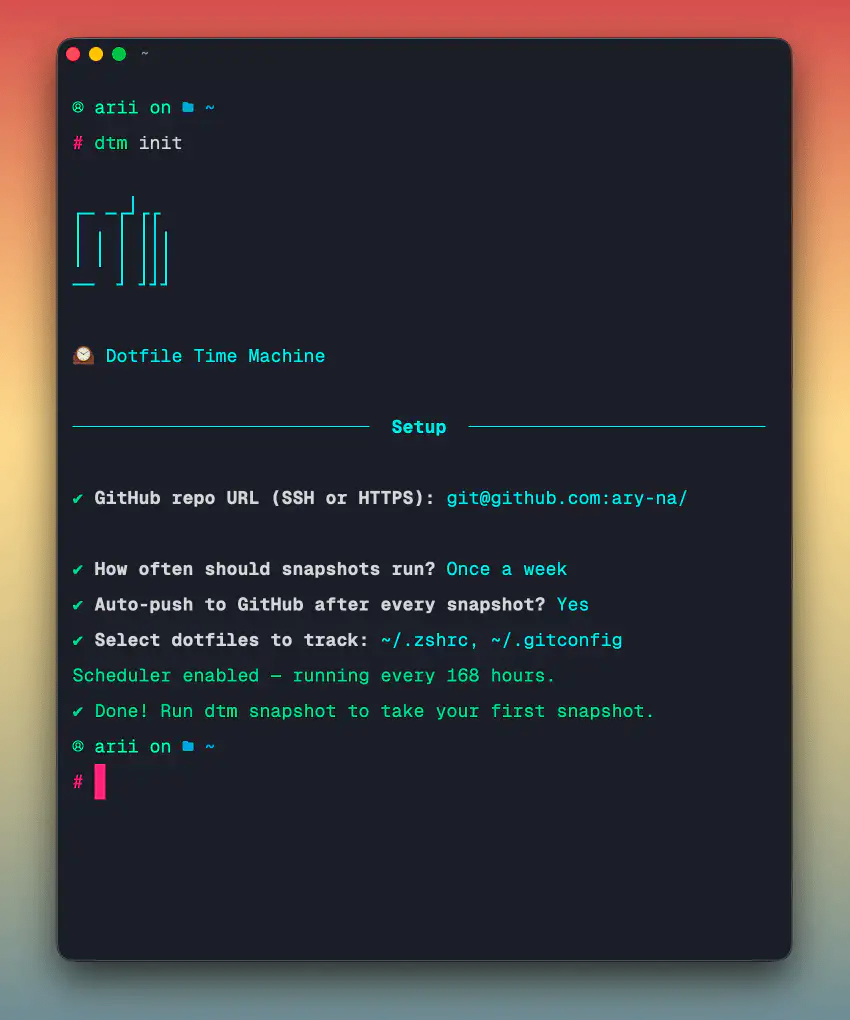
init command output
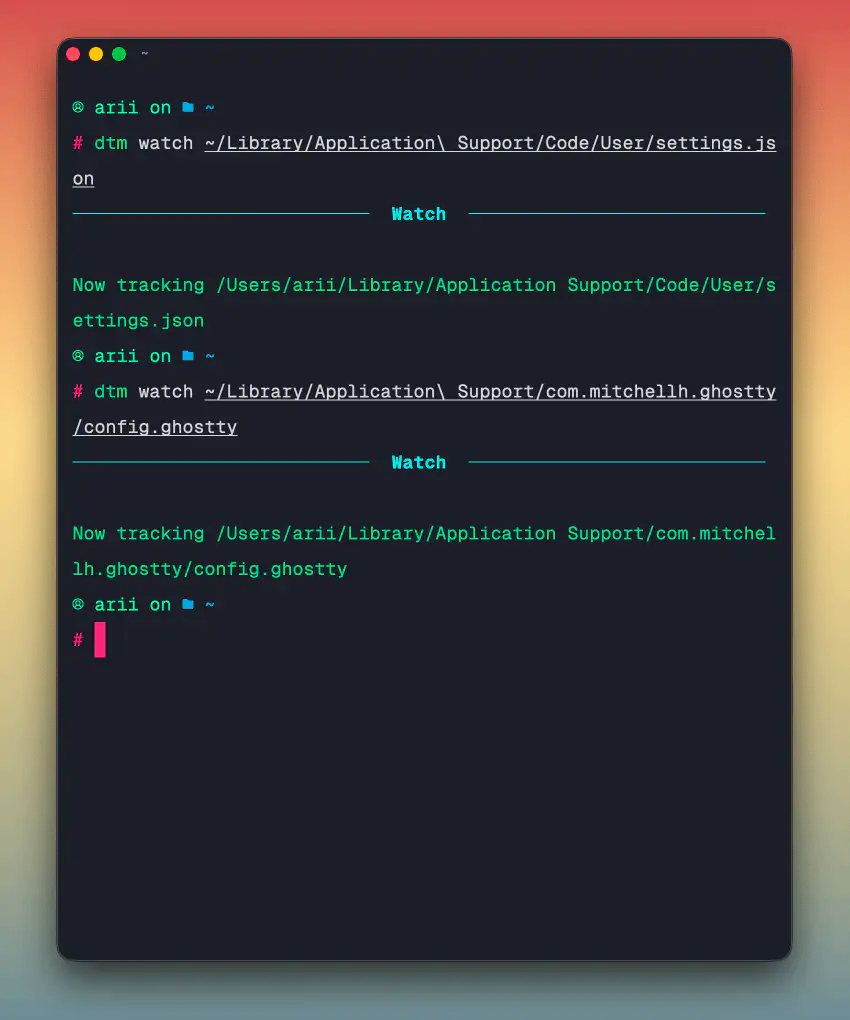
watch command output
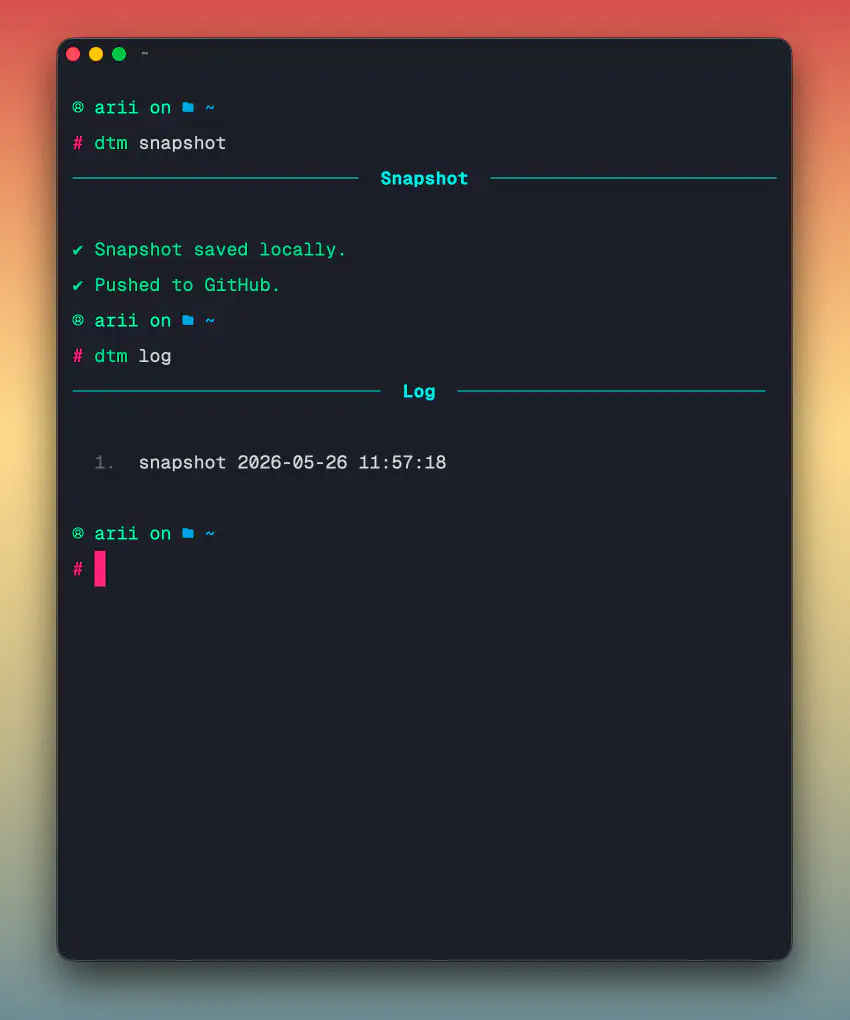
snapshot command output
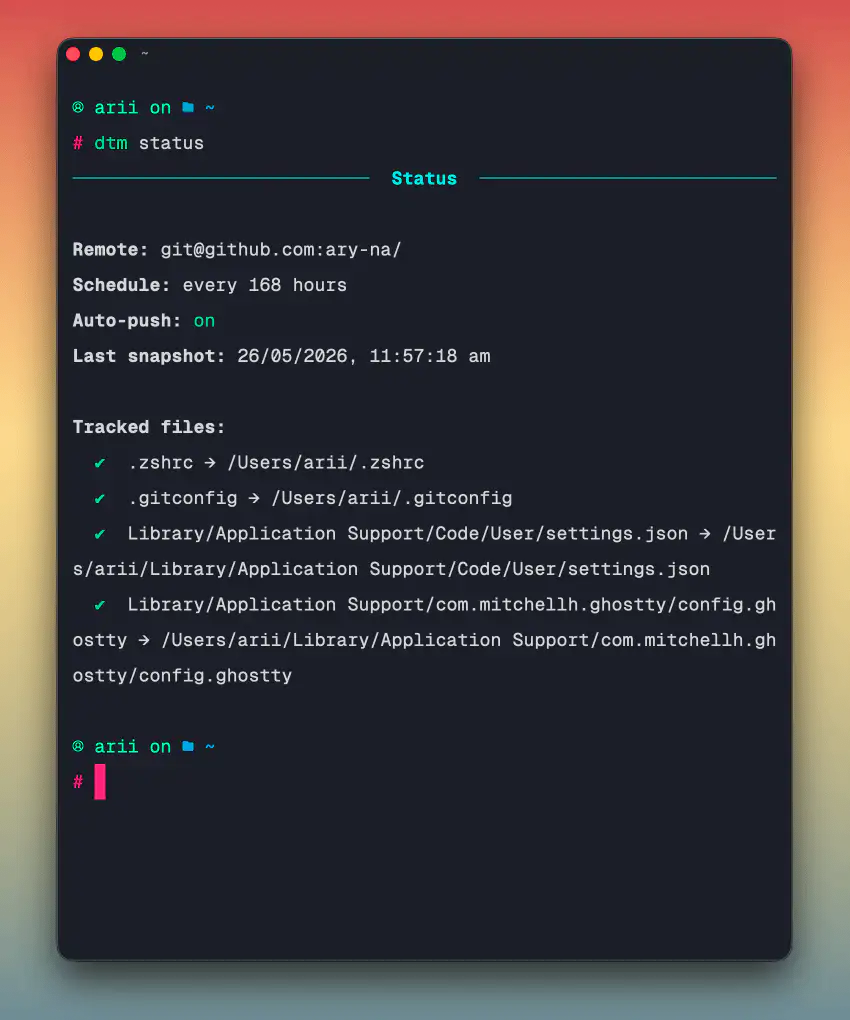
status command output
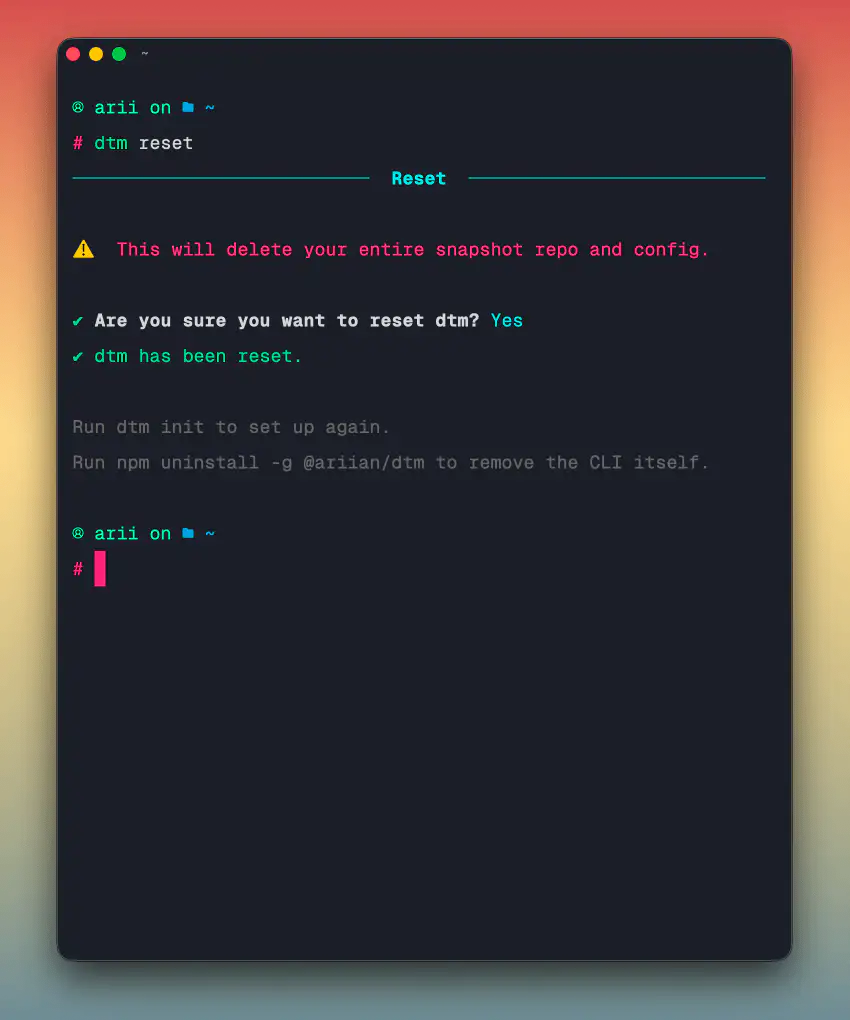
reset command output
Using a plain git repo as the storage layer was the core design decision. It means the entire snapshot history, diffing, and restore logic is already built, git handles all of it. The tool is mostly just a clean interface on top of git primitives that most developers already understand.
The launchd approach for scheduling was deliberate. A lot of background tools run a persistent daemon which sits in memory and shows up in Activity Monitor. launchd is the macOS-native way to schedule tasks, it’s the same mechanism used by system services. The job wakes up, does its work in a few seconds, and disappears. No footprint between runs.
Keeping the GitHub remote in config means the push is completely hands-off after setup. SSH key in Keychain plus launchd scheduler means dtm init is the only command you ever need to think about. After that it just runs.