
Hability: Kotlin Android habit tracker
A Kotlin Android habit and goal tracker with local persistence, scheduling views, and statistics (group project)
A group project for a school assignment where we built an Android habit and goal tracker in Kotlin. The app lets users define goals, track them over time, and get quick views of their progress. This post focuses on the features and screens I personally implemented.
Key features
- Multi-screen Android UI using Fragments and Navigation
- Local persistence with SQLite via a custom
DatabaseHelper - Scheduler screen with difficulty filter chips and RecyclerView
- Goals difficulty PieChart using MPAndroidChart
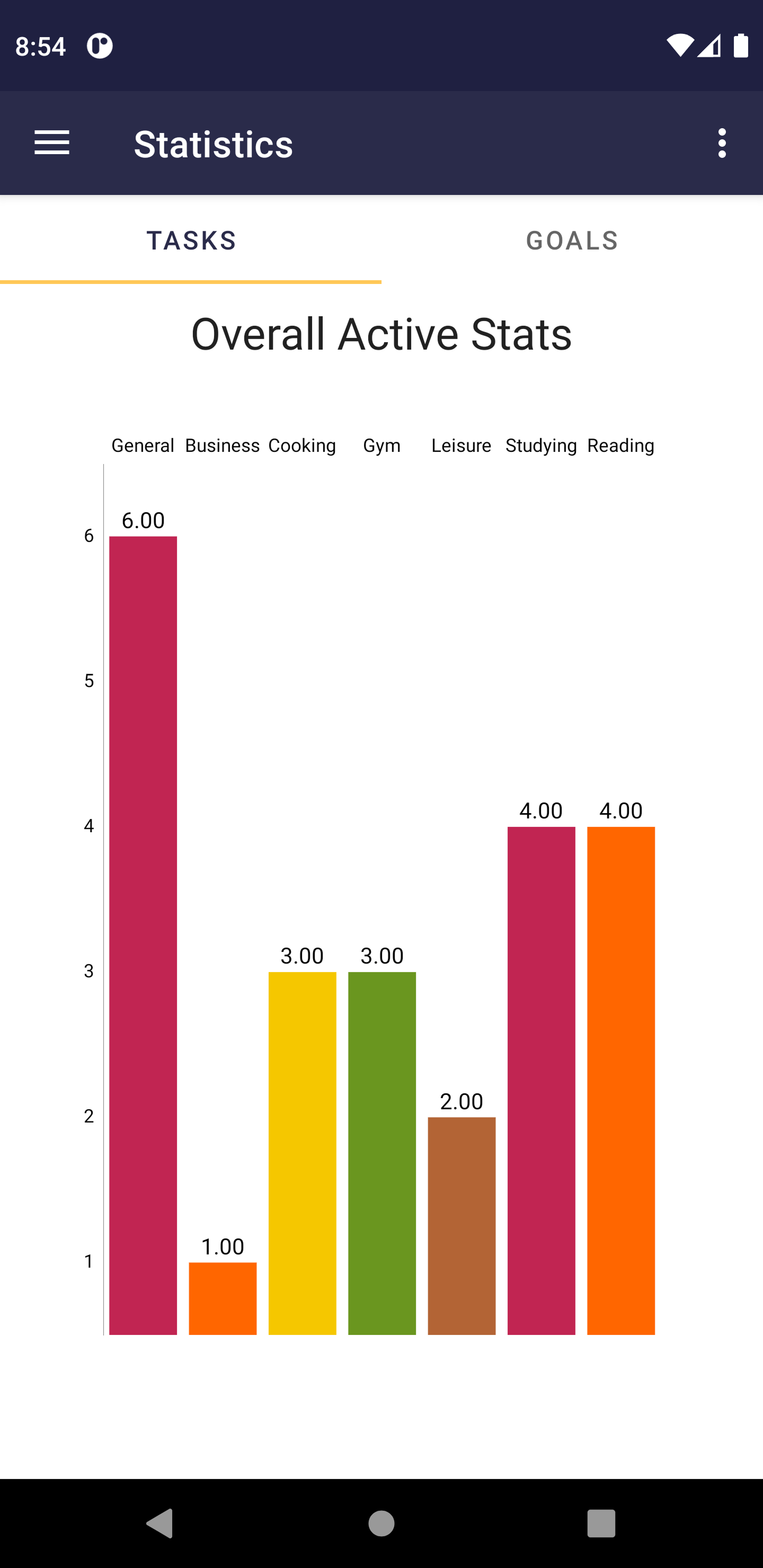
- Statistics tabs for tasks and goals
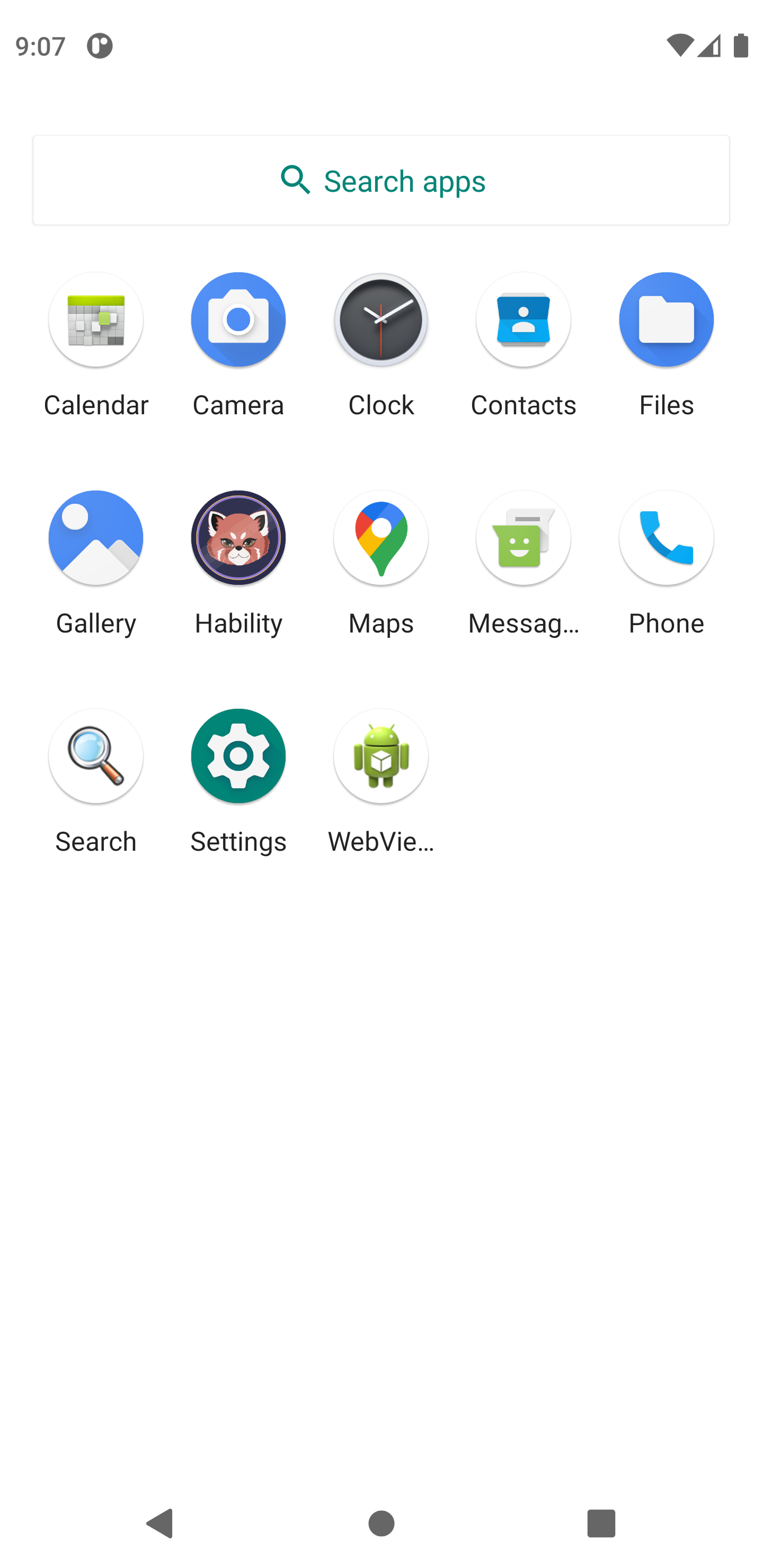
- Date formatting fixes and adaptive app icon
Tech stack
# core
kotlin | android | sqlite
# ui
fragments | navigation | recyclerview | chipgroup | mpandroidchartMy contributions
The base app was built collaboratively by the group. The features below were implemented by me on top of that foundation.
Scheduler filter: Implemented a difficulty filter on the Scheduler screen using a ChipGroup with single selection. Tapping a chip (Trivial, Easy, Medium, Hard) clears and rebuilds the list by re-querying the database for goals of that difficulty. This required touching the layout XML, fragment lifecycle, DB queries, adapter binding, and UX state resets all in one flow. Created RecyclerAdapterScheduler.kt and recycler_view_row_scheduler.xml to support it.
Database queries: Added explicit query functions to the DB layer for each difficulty level (readDataGoalsDifficultyTrivial, readDataGoalsDifficultyEasy, readDataGoalsDifficultyMedium, readDataGoalsDifficultyHard). These return cursors the UI layer iterates over, keeping the scheduler and stats logic straightforward.
Goals difficulty chart: Implemented a PieChart in StatsGoalsFragment using MPAndroidChart. Queries the DB by difficulty, counts results per bucket, builds PieEntry values, and renders them with colors and center text. Added the JitPack repository and MPAndroidChart dependency to support it.
Polish fixes: Fixed date formatting in goal date pickers so months display correctly (month index +1), and updated the app icon with adaptive icon assets.
Highlights
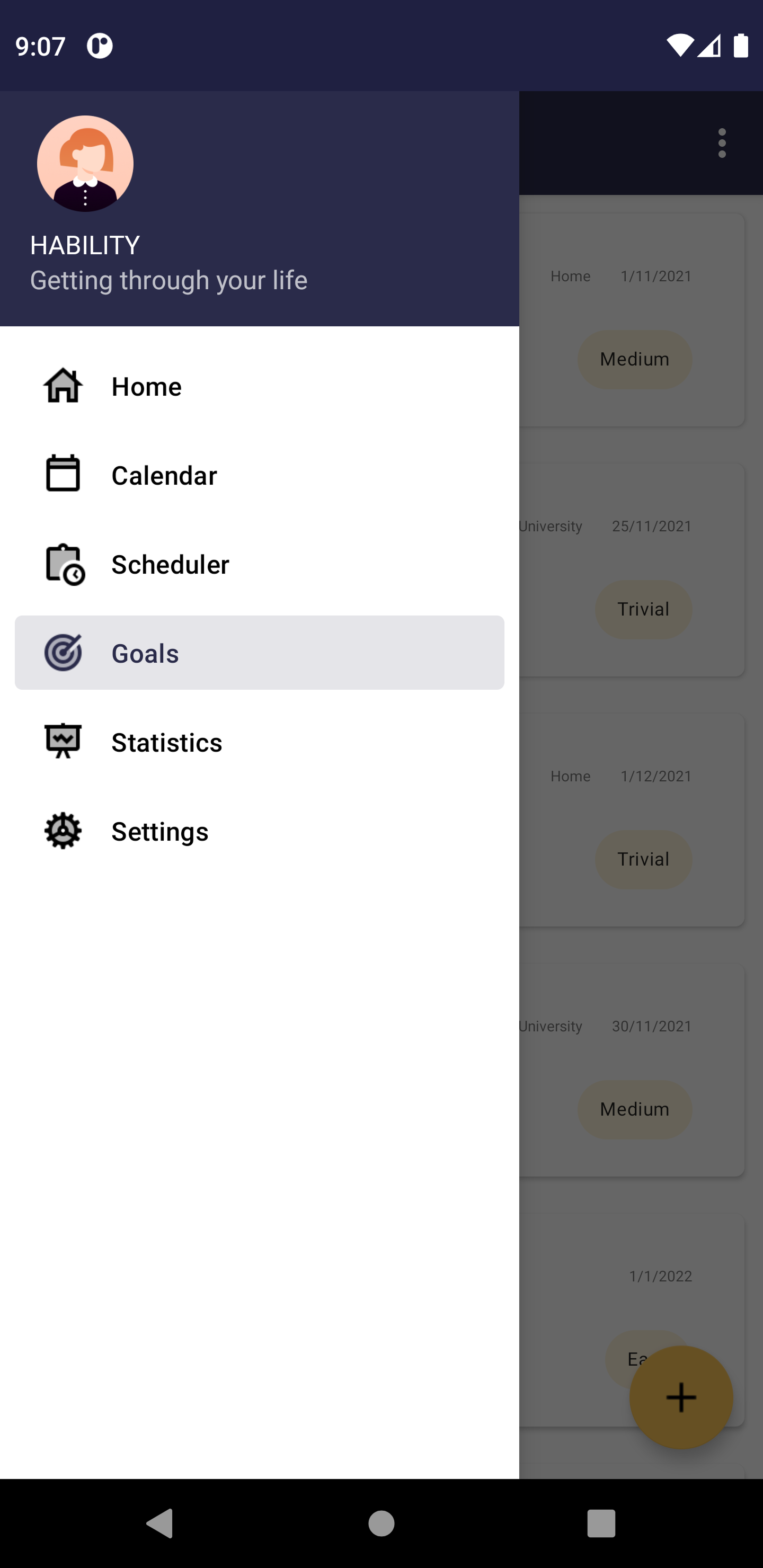
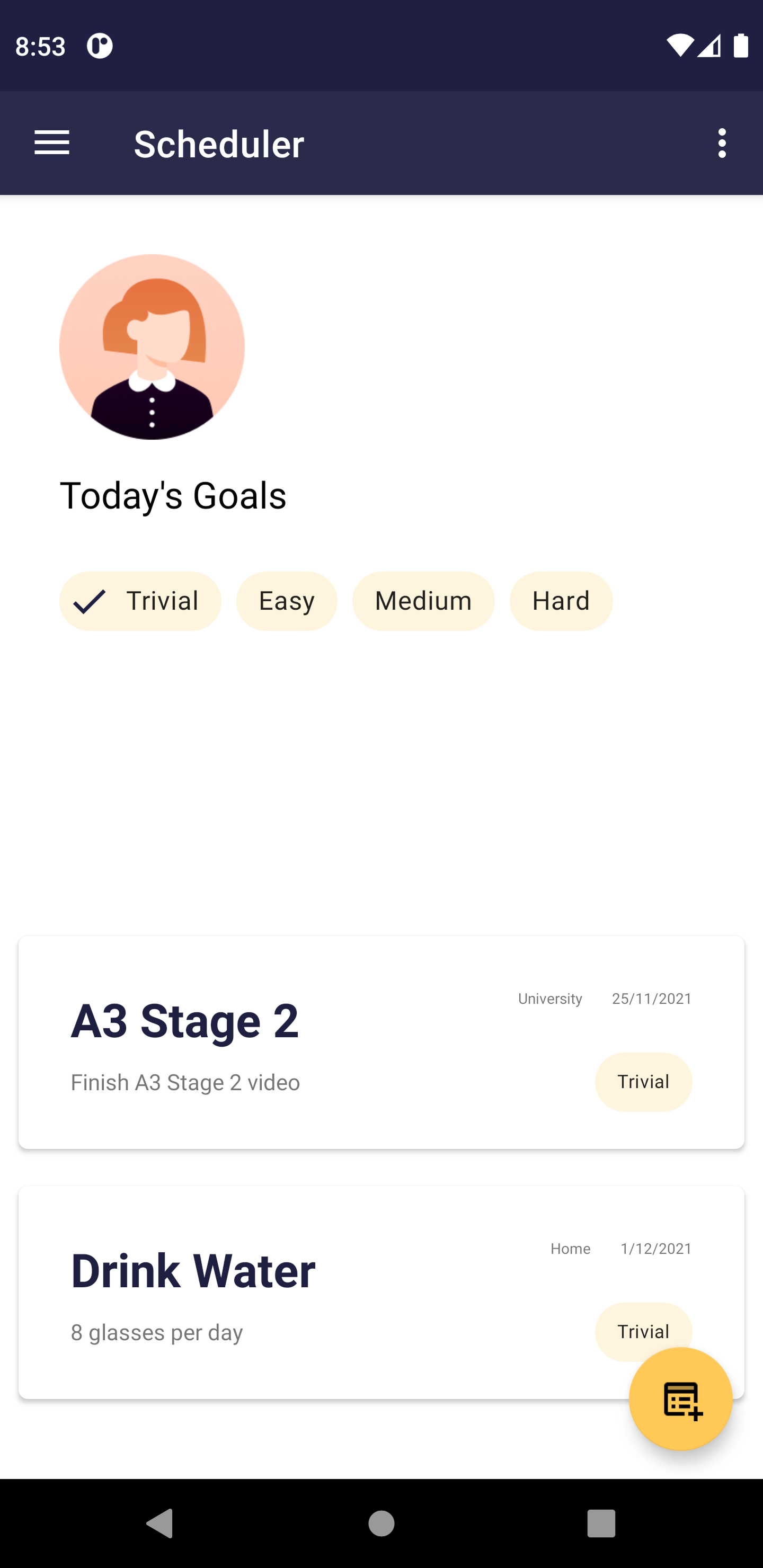
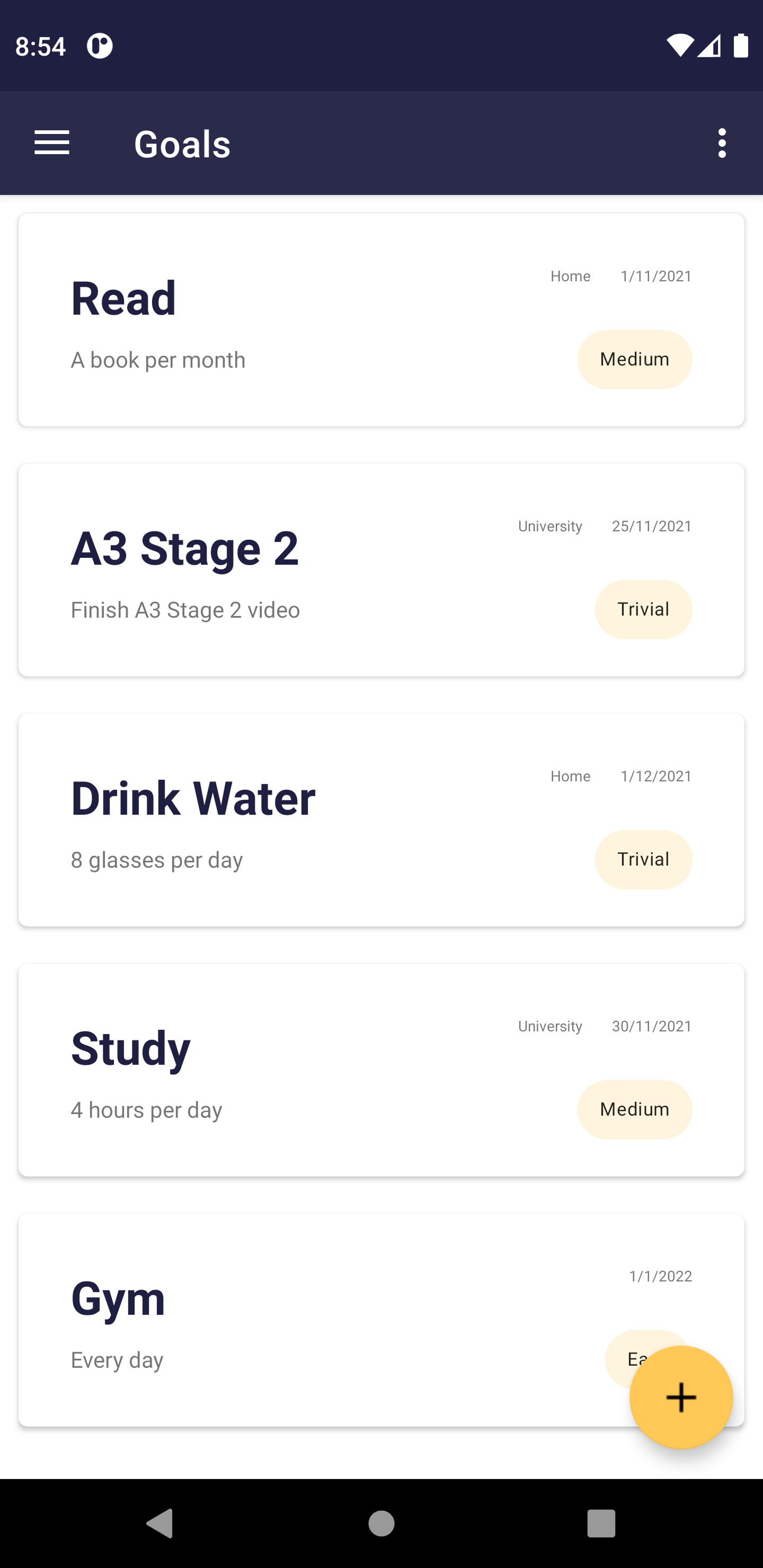
The scheduler feature was not hard algorithmically. The work was integration, layout XML, fragment lifecycle, DB queries, adapter binding, and state resets all needed to work together in one coherent flow. Most Android feature work at this level is really about connecting the right pieces cleanly.
Adding MPAndroidChart to the statistics screen was a good reminder that visual feedback can be as valuable as adding another CRUD screen. Turning raw difficulty counts into a pie chart gave users something immediately understandable, and it only took wiring up data that was already there.