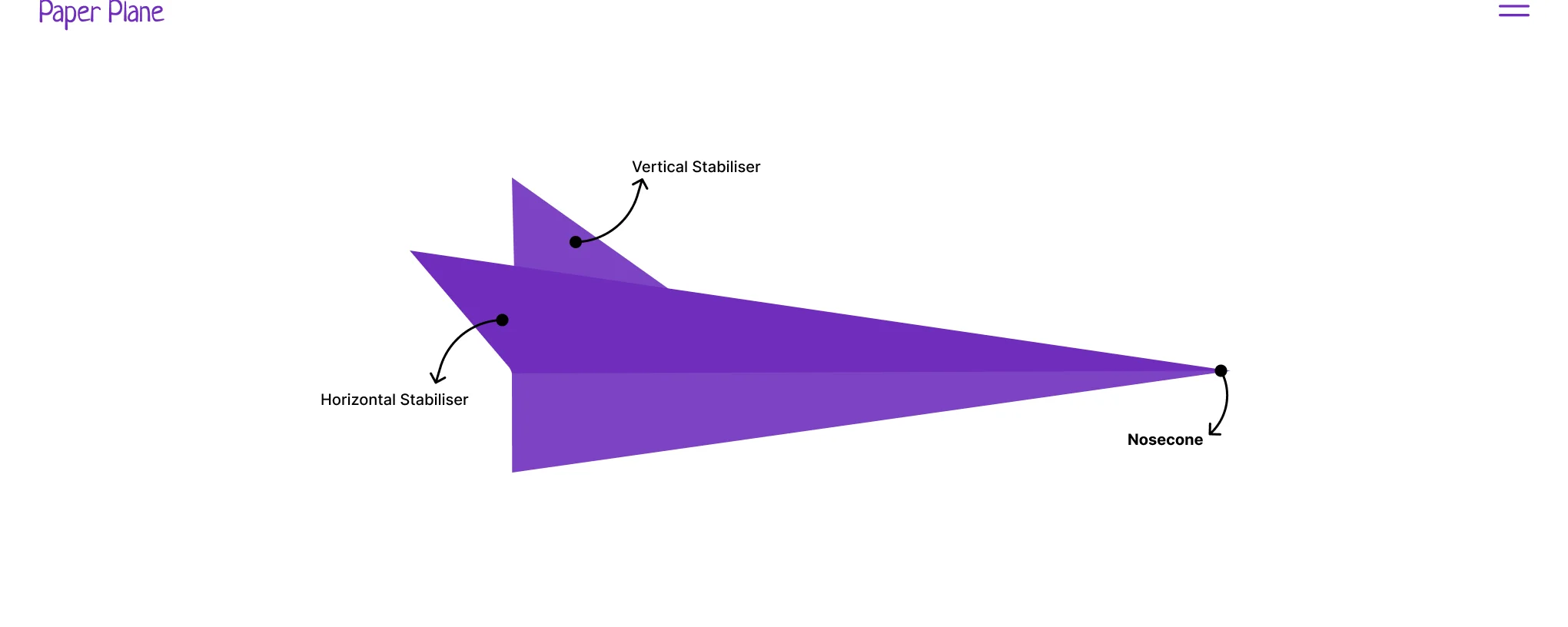
Paper Plane: interactive aviation website
An educational aviation website built with HTML, CSS, and JavaScript featuring interactive aircraft diagrams, animations, a dark mode toggle, and an image gallery
An educational website about modern aeroplanes and flight fundamentals, built as a university project. Visitors explore interactive aircraft diagrams, scroll-triggered animations, and an aerodynamics module, all in a clean static site with a light/dark theme toggle.
Key features
- Fully static site deployed on Netlify (no framework)
- Fullscreen overlay navigation for mobile and desktop
- Light/dark mode toggle using Shoelace themes
- Interactive aircraft diagram with hover/click highlighting (cockpit, wings, fuselage, engines, stabilisers)
- Tabbed “Parts & Function” learning module using Shoelace
<sl-tab-group> - Contextual tooltips explaining lift, weight, thrust, and drag
- Aerodynamics chart with animated polygons and interactive labels
- Motion-path paper plane animation (Anime.js) following an SVG route
- Scroll-driven animations using GSAP and ScrollTrigger
- Image gallery carousel powered by Splide with progress bar
Tech stack
# core
html5 | css3 | vanilla javascript
# ui components
shoelace (web components)# animation
anime.js | gsap | scrolltrigger# carousel & deployment
splide | netlifyHighlights
Home page, aircraft diagram, aerodynamics module, and gallery carousel.
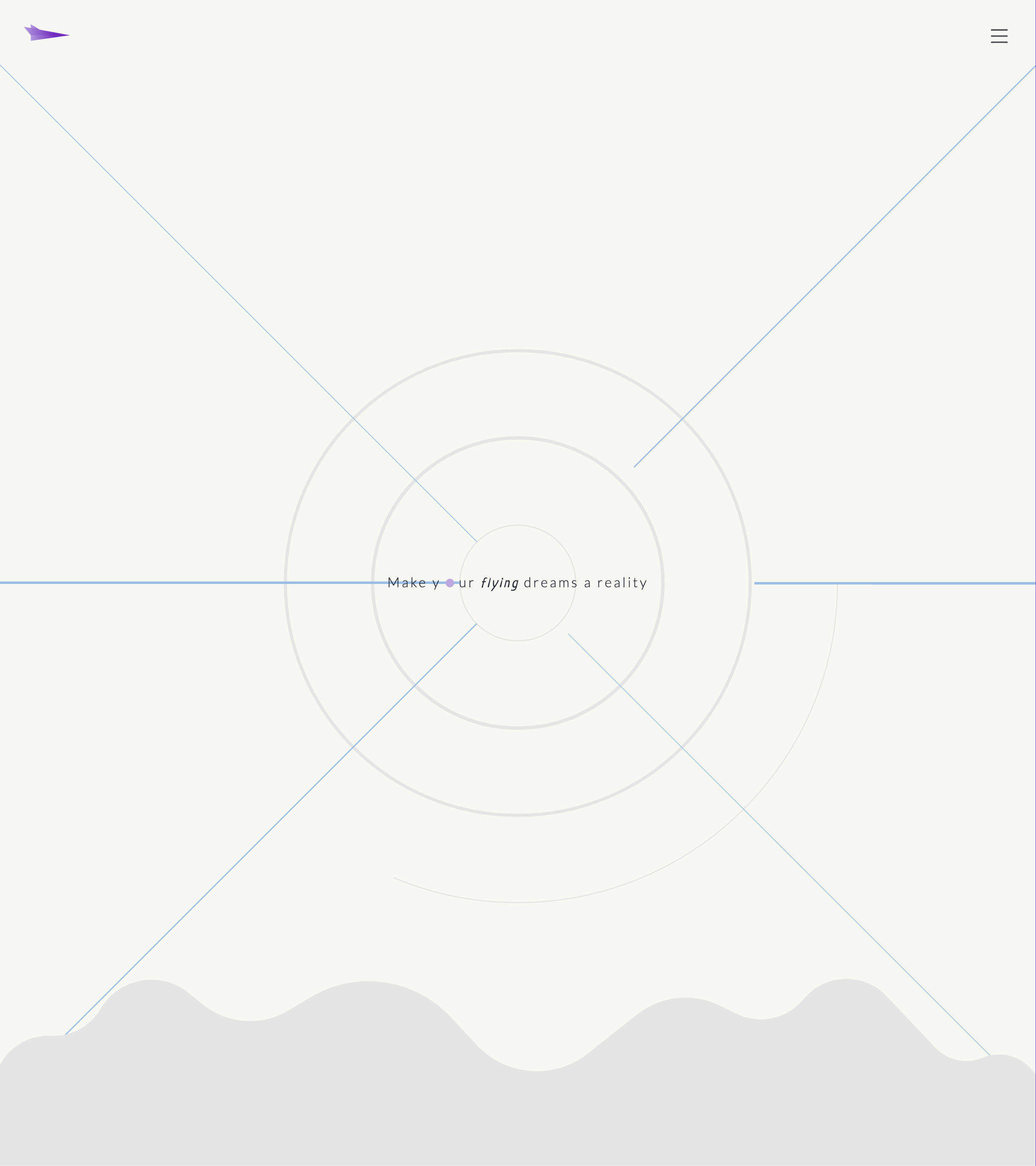
home page
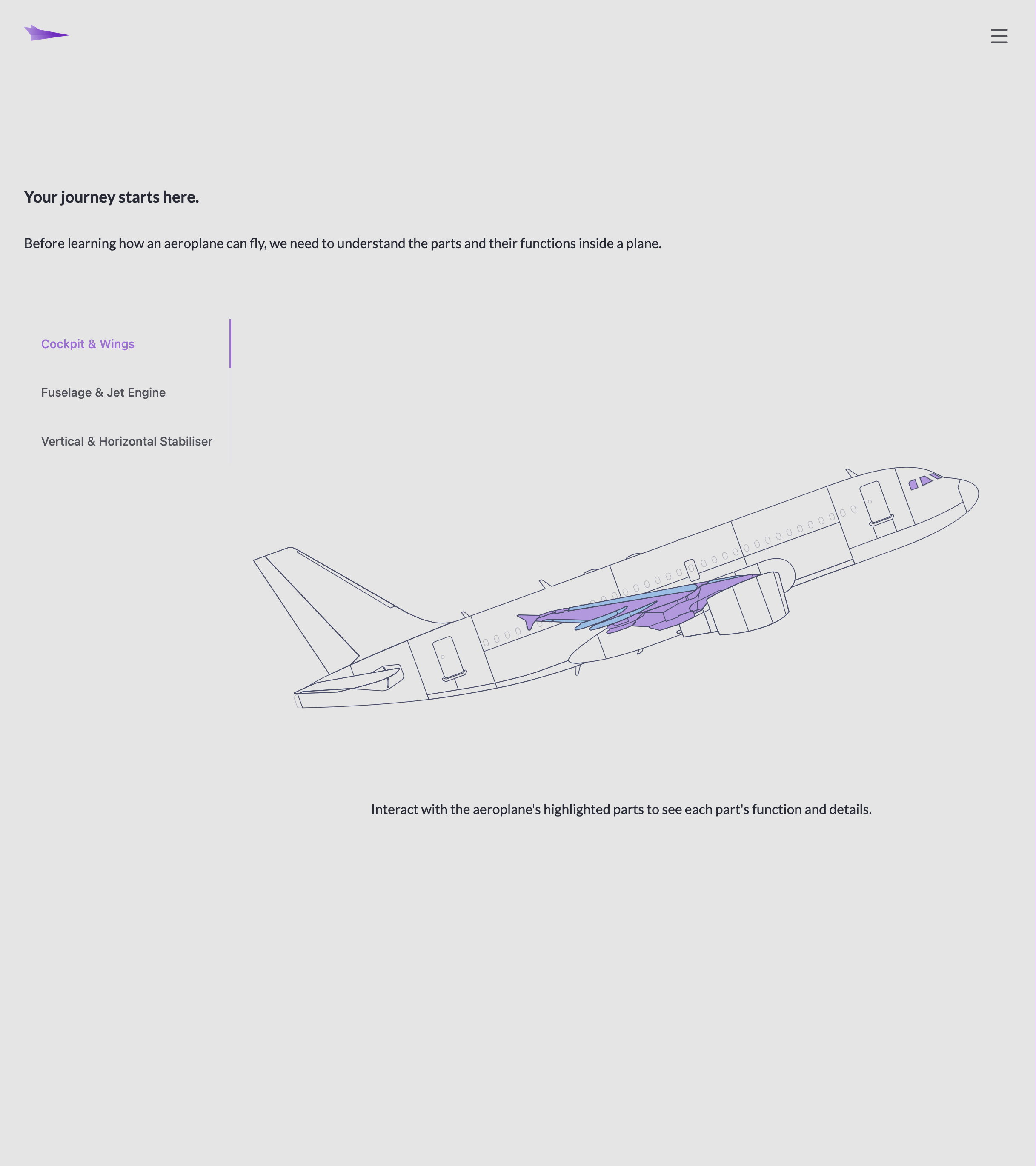
interactive aircraft diagram with hover highlighting
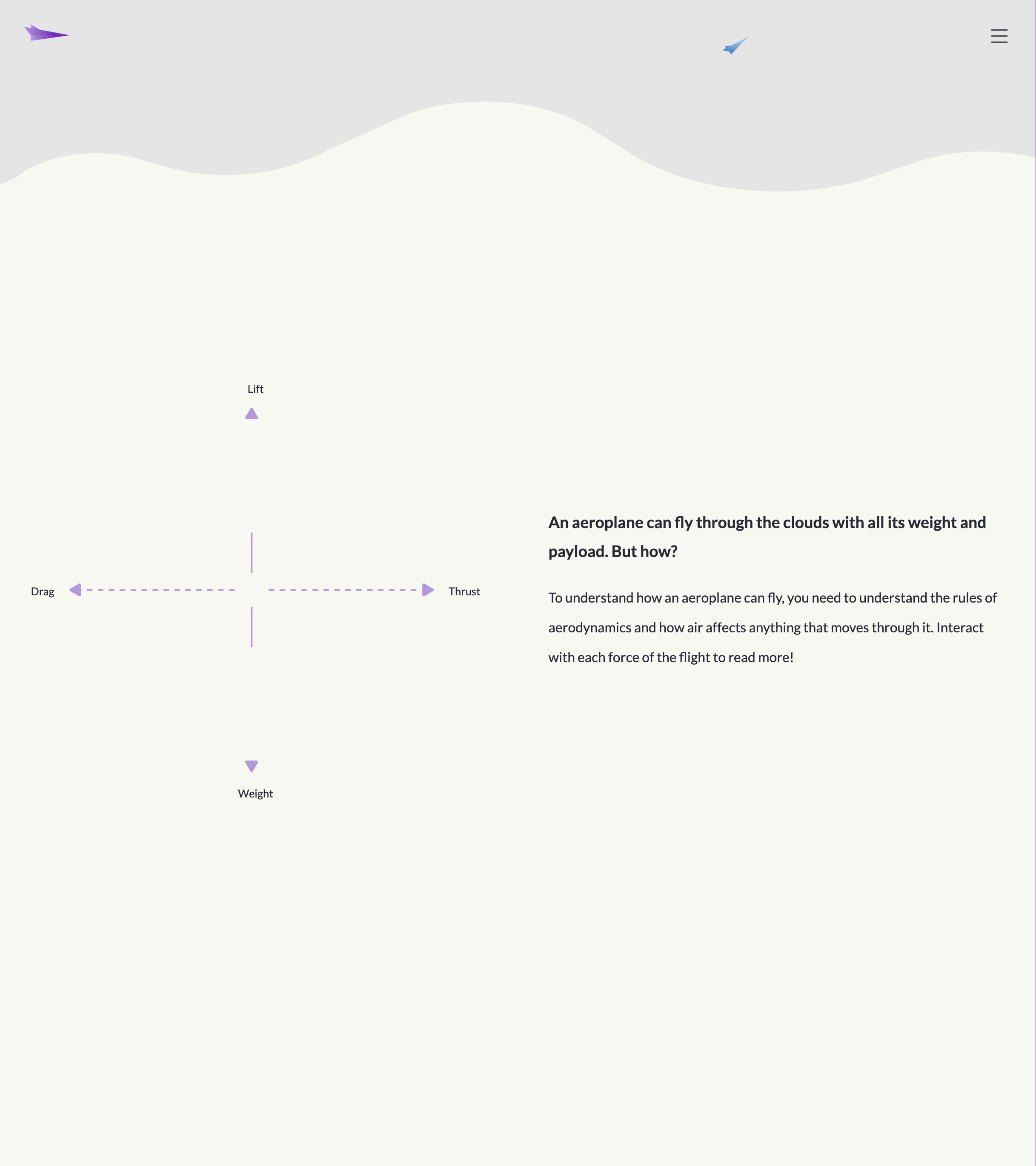
aerodynamics chart with animated polygons
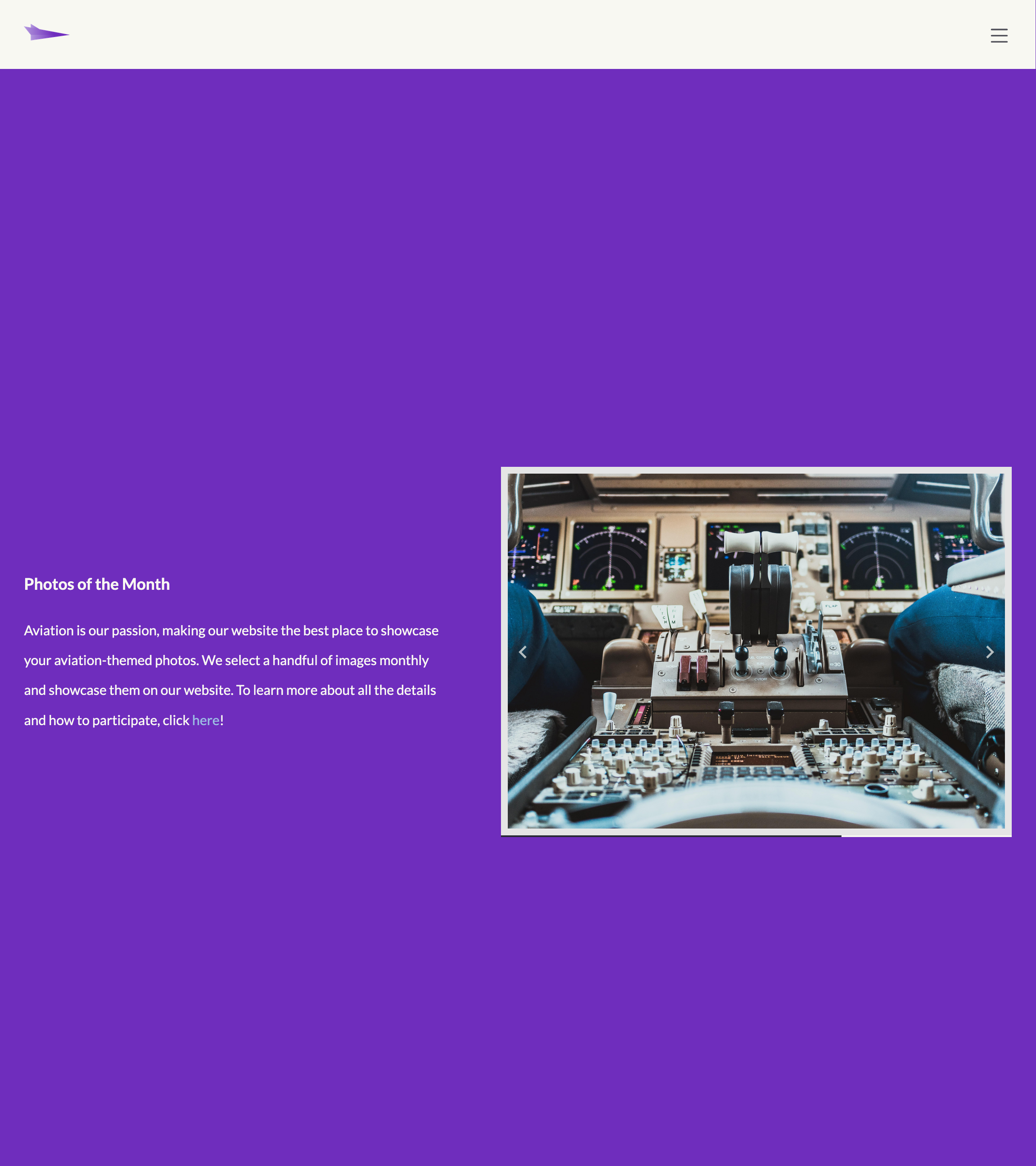
image gallery carousel with progress bar
Building Paper Plane taught me how far vanilla HTML/CSS/JS can go when you pick the right libraries and keep the architecture clean. Treating SVG as a real interactive UI surface, querying parts by ID, layering highlight states, and wiring up shared event handlers for mouse and touch, was a different way of thinking about interactivity compared to DOM-heavy frameworks.
It also made animation click for me as a UX tool rather than decoration. Anime.js handled the motion path and line drawing while GSAP with ScrollTrigger made the page feel alive as you scroll. Implementing dark mode with Shoelace showed me a practical no-framework approach to theming, just state, classes, and good component choices.